
How to Connect to Wi-Fi Internet
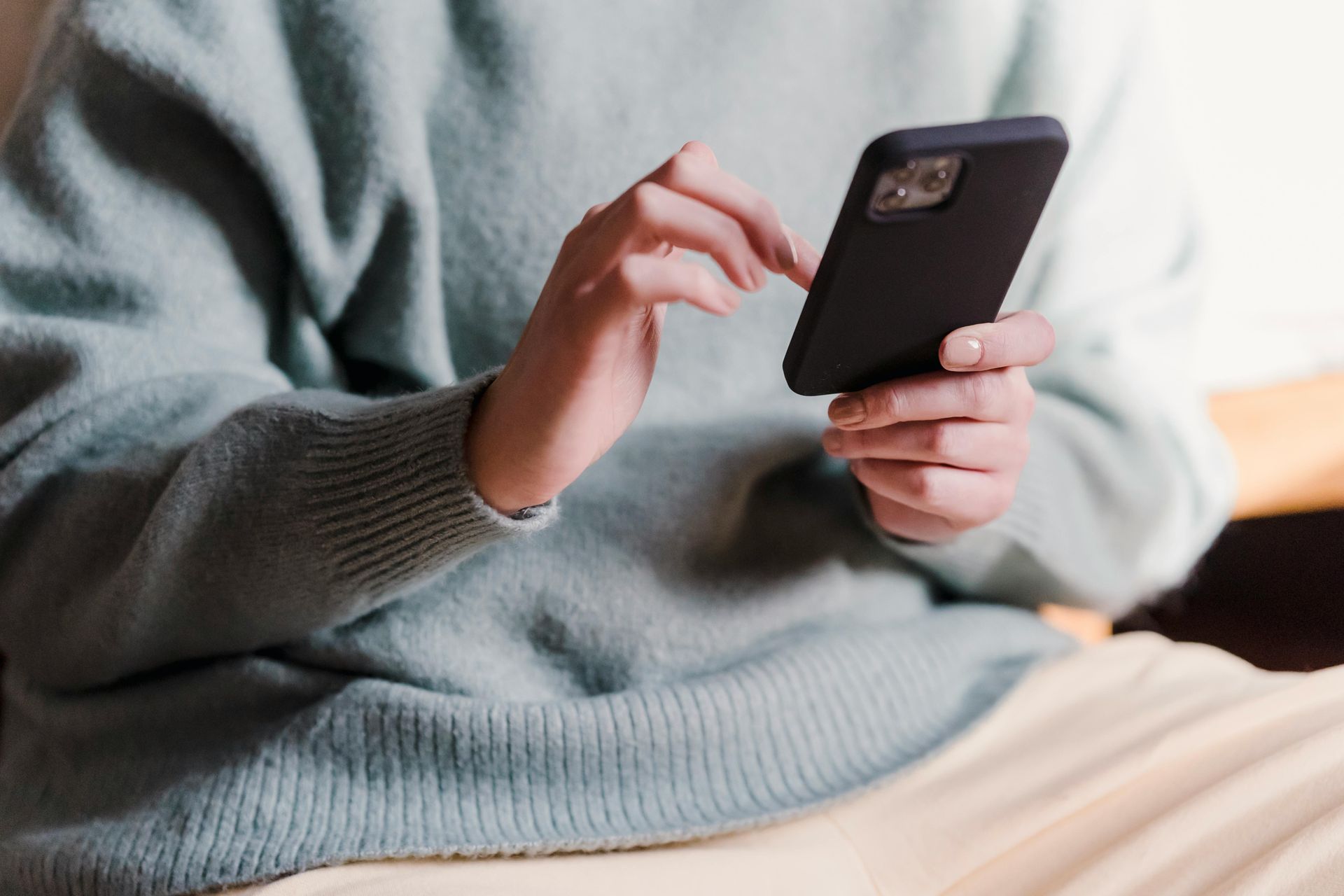
How to Connect to Wi-Fi:
On Network options, find the Times Square Suites Hotel’s network
Connect using your suite number
and last name
(first letter is capitalized)
Check the box to agree to Terms and conditions
Click CONNECT
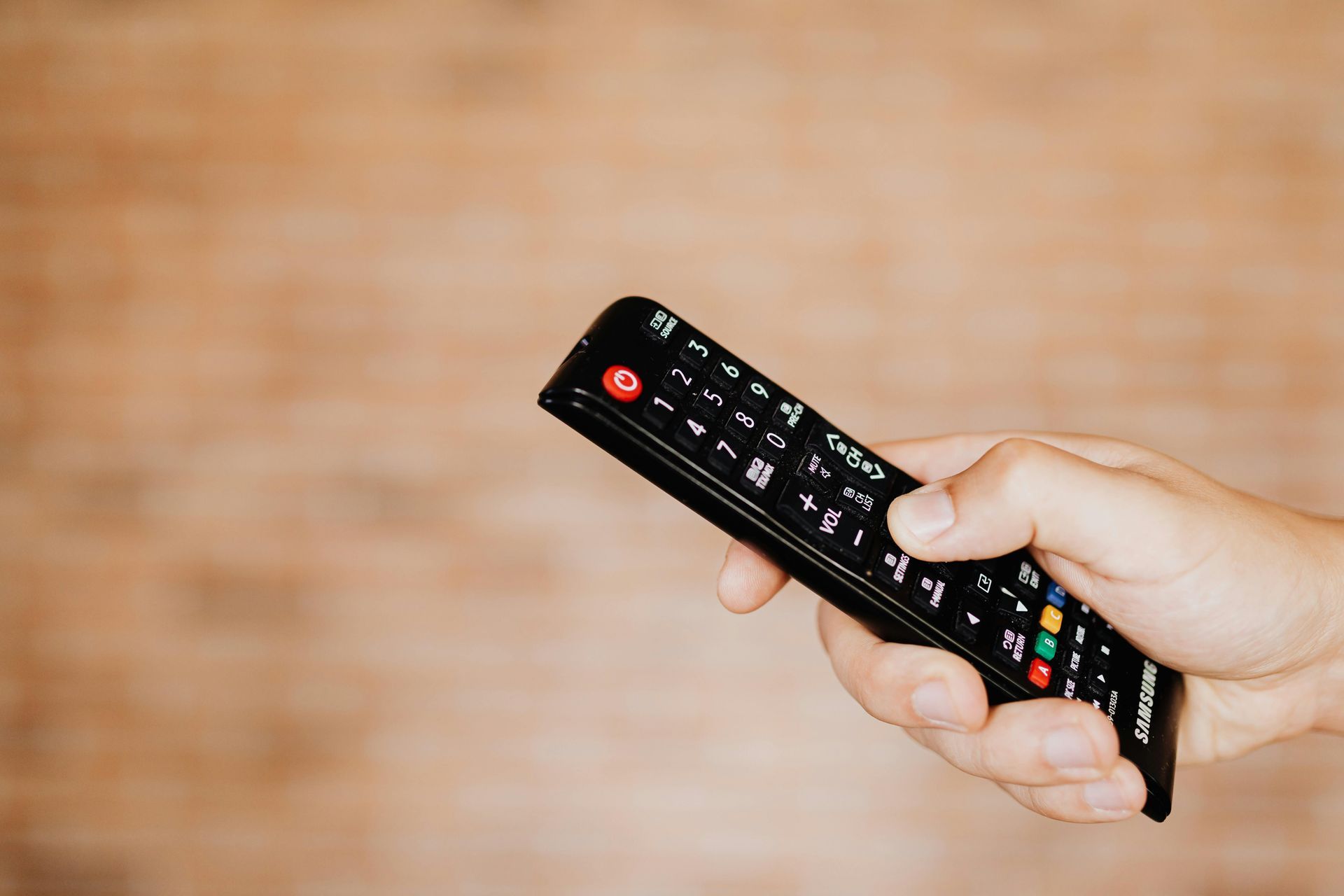
TV Remote not working? Make sure cable box is not blocked by furniture TV says ‘No Signal’? 1.) Make sure cable box is ON 2.) Use input button on the TV, set to either HDMI1 or HDMI2 Still having issues? Call the office
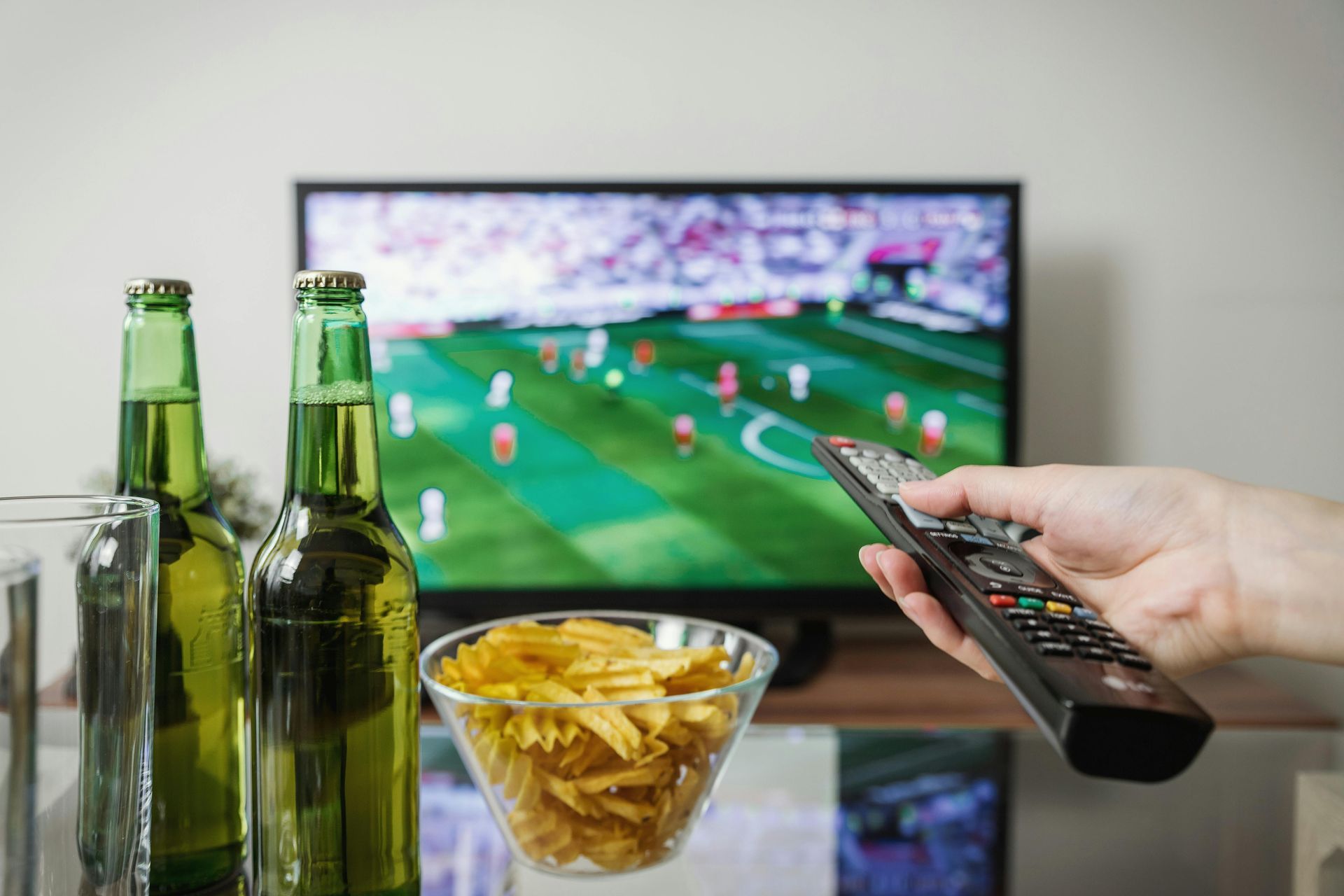
All suites (except for the Studio suite) come with two Televisions: one in the living area and another one in the main bedroom. To turn on TV: 1) Press the “ TV ” button then the ‘red power button’ 2) Press the “ CABLE ” button’ then the ‘red power button’. The red light and blue light should be visible on the cable box (means ‘on’) Use the “ Guide ” button to see the list of channels available. Press “ Ok/Select ” To access a specific channel, you may also enter the actual number (eg:18) & press “ Ok/Select ”